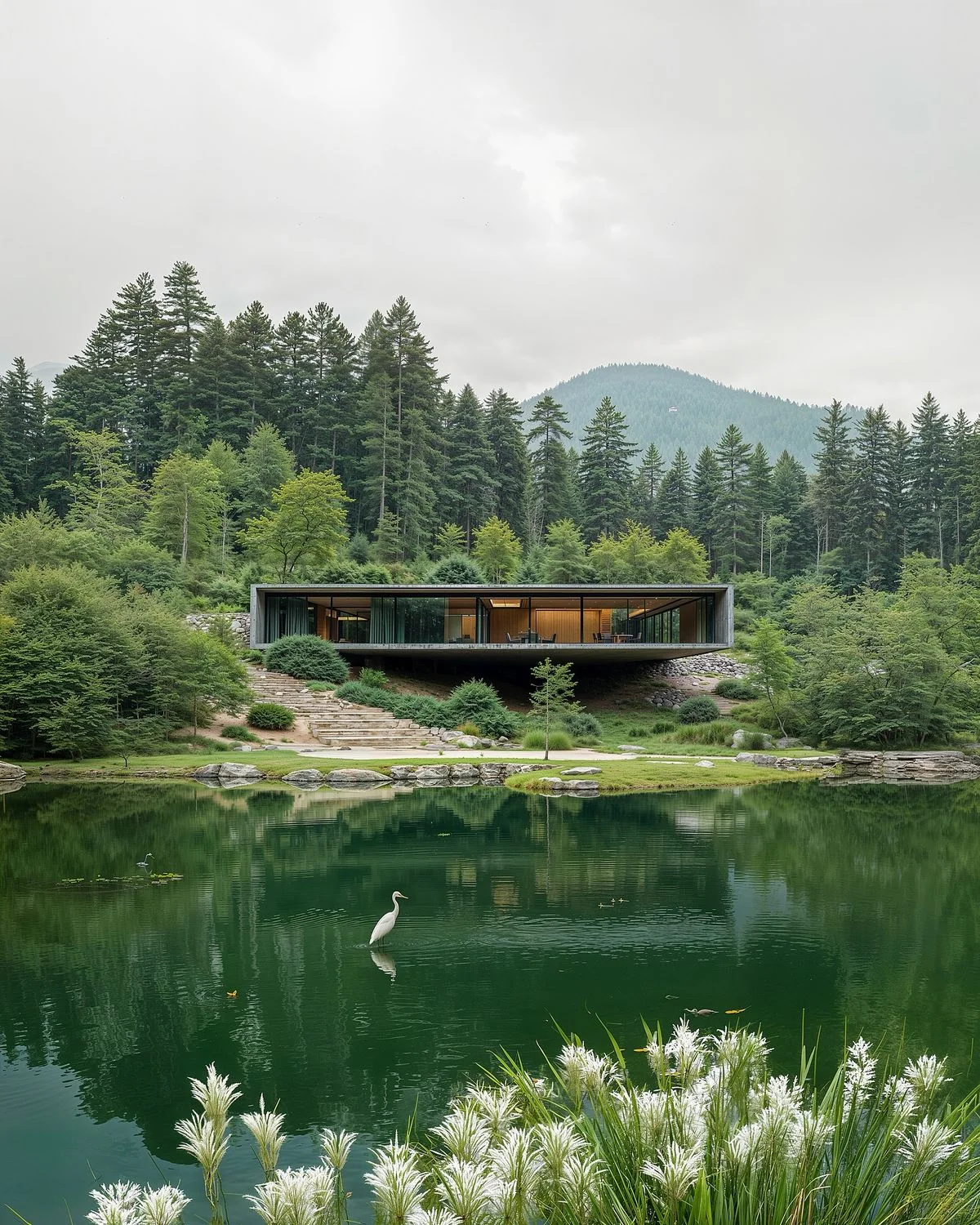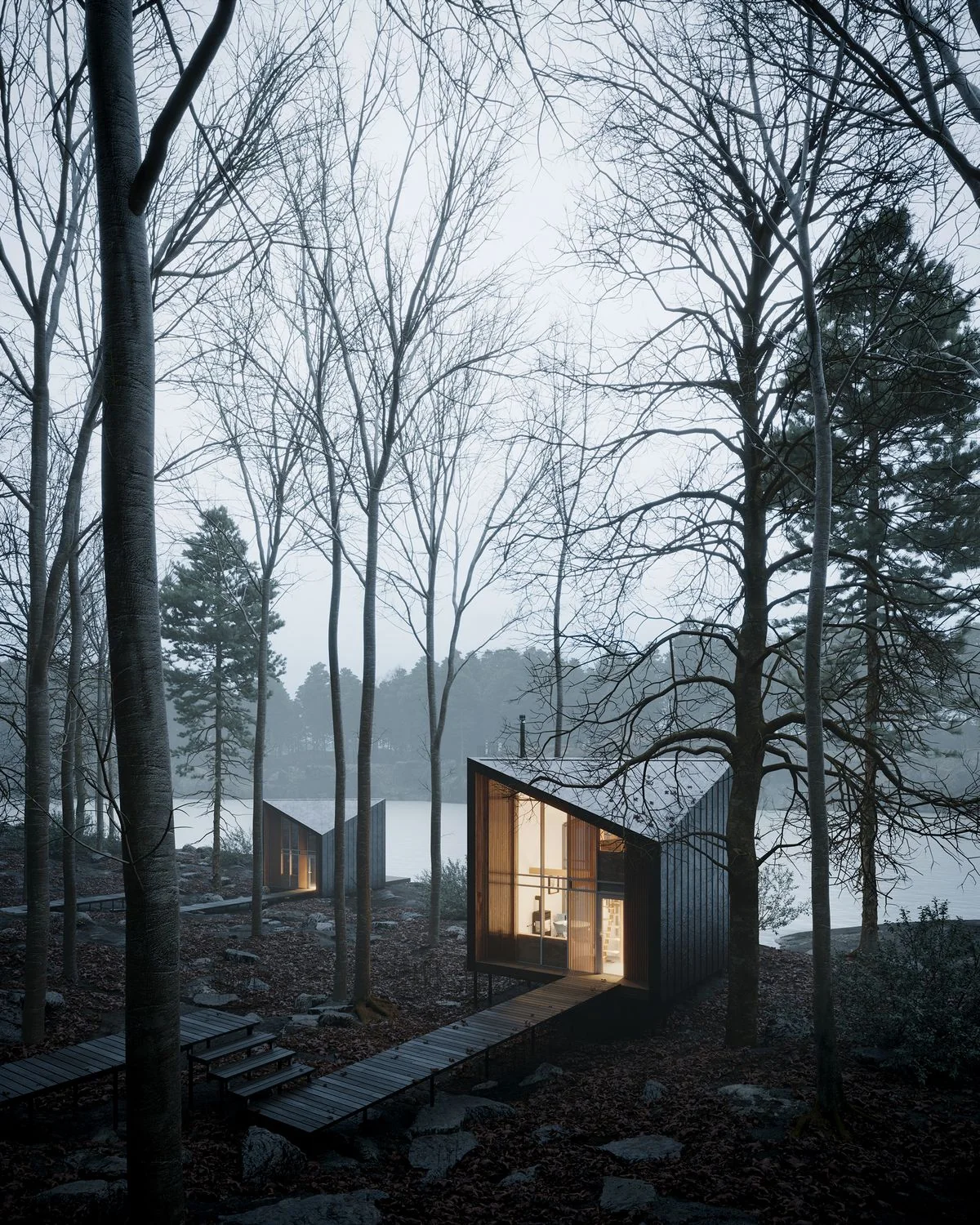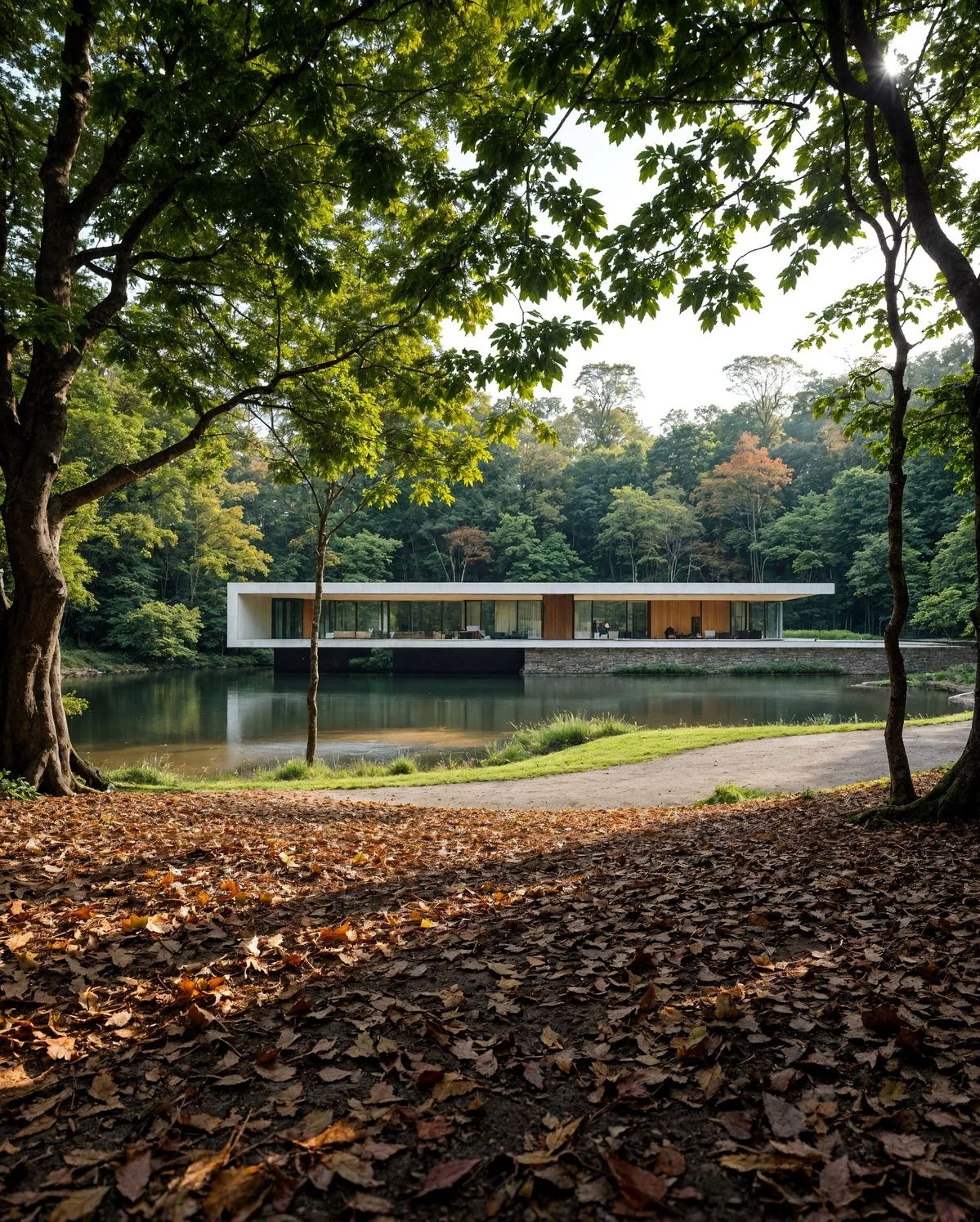
Modern architecture between a forest and a lake

V3 · NOW AVAILABLE

From a rendering tool.
To a connected workflow.

INDECO AI V3 replaces V2, rebuilt around real architectural and interior design workflows.
InteriorsArchitectureStudio
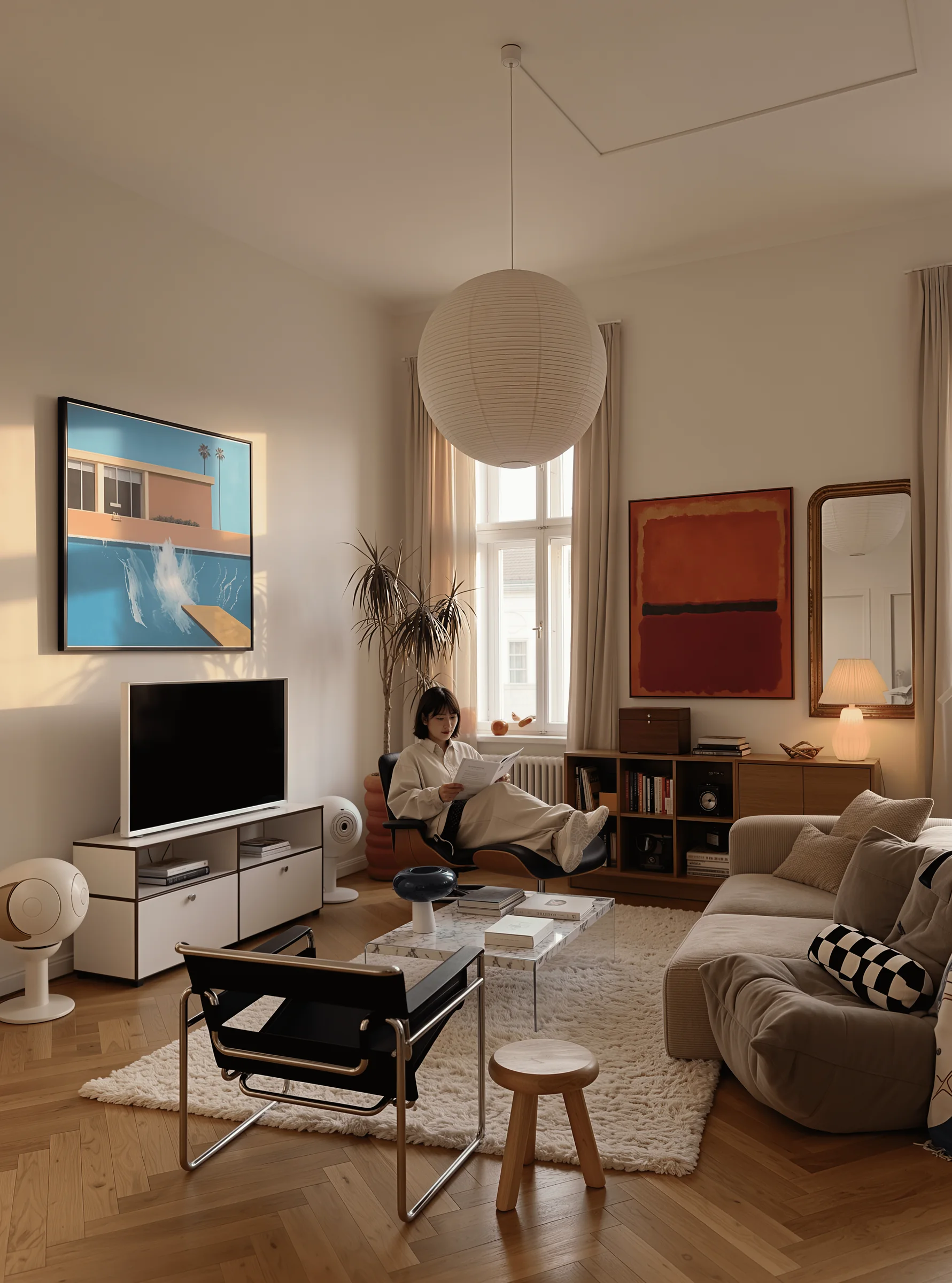
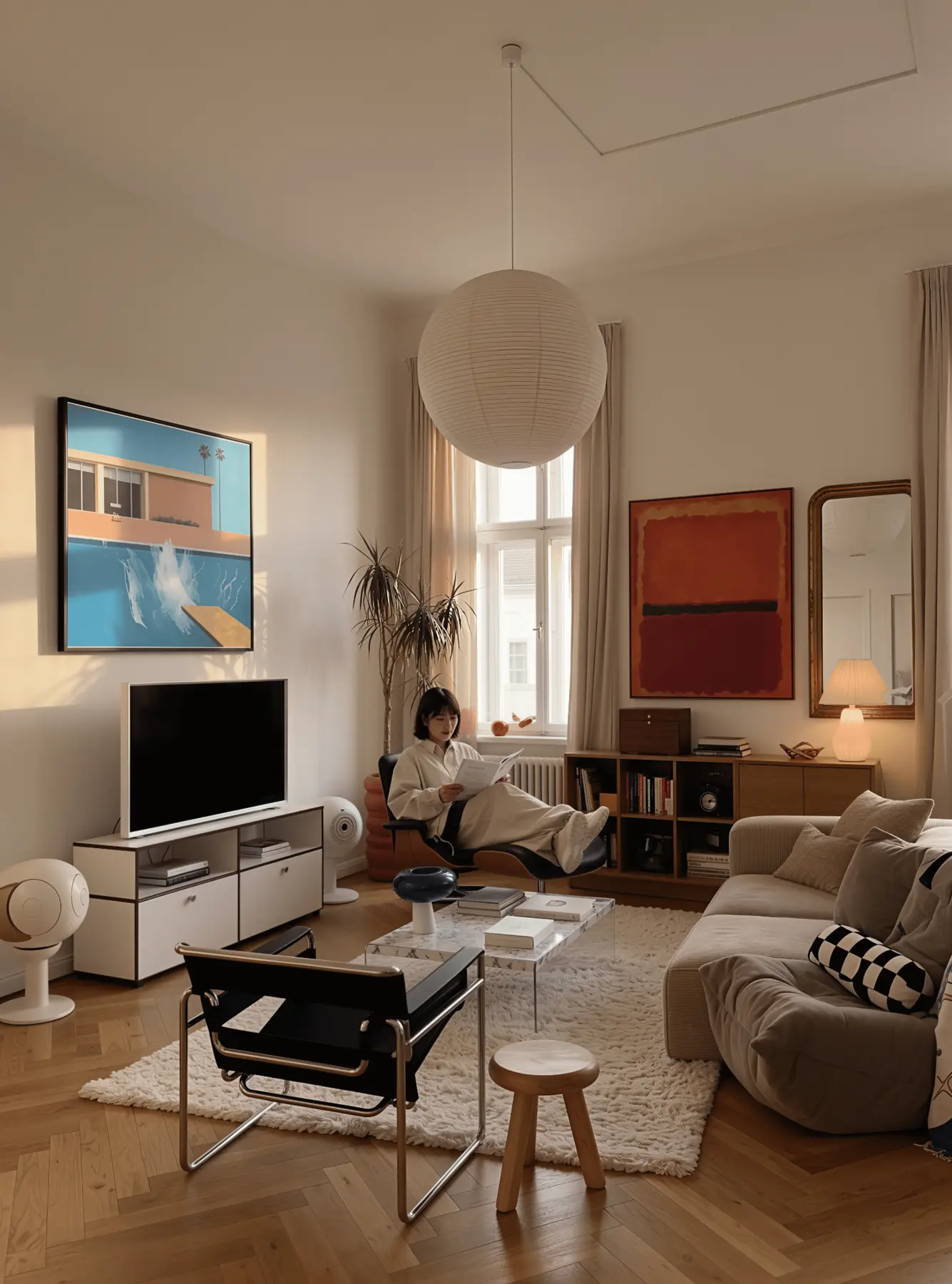
A lived-in interior with a person

ONE WORKSPACE · THREE WAYS TO CREATE

Every stage.
The right approach.

Create on your computer with Local, continue in the cloud with Pro, or refine a key image with Max — all within the same project.
LocalProMax · 2K
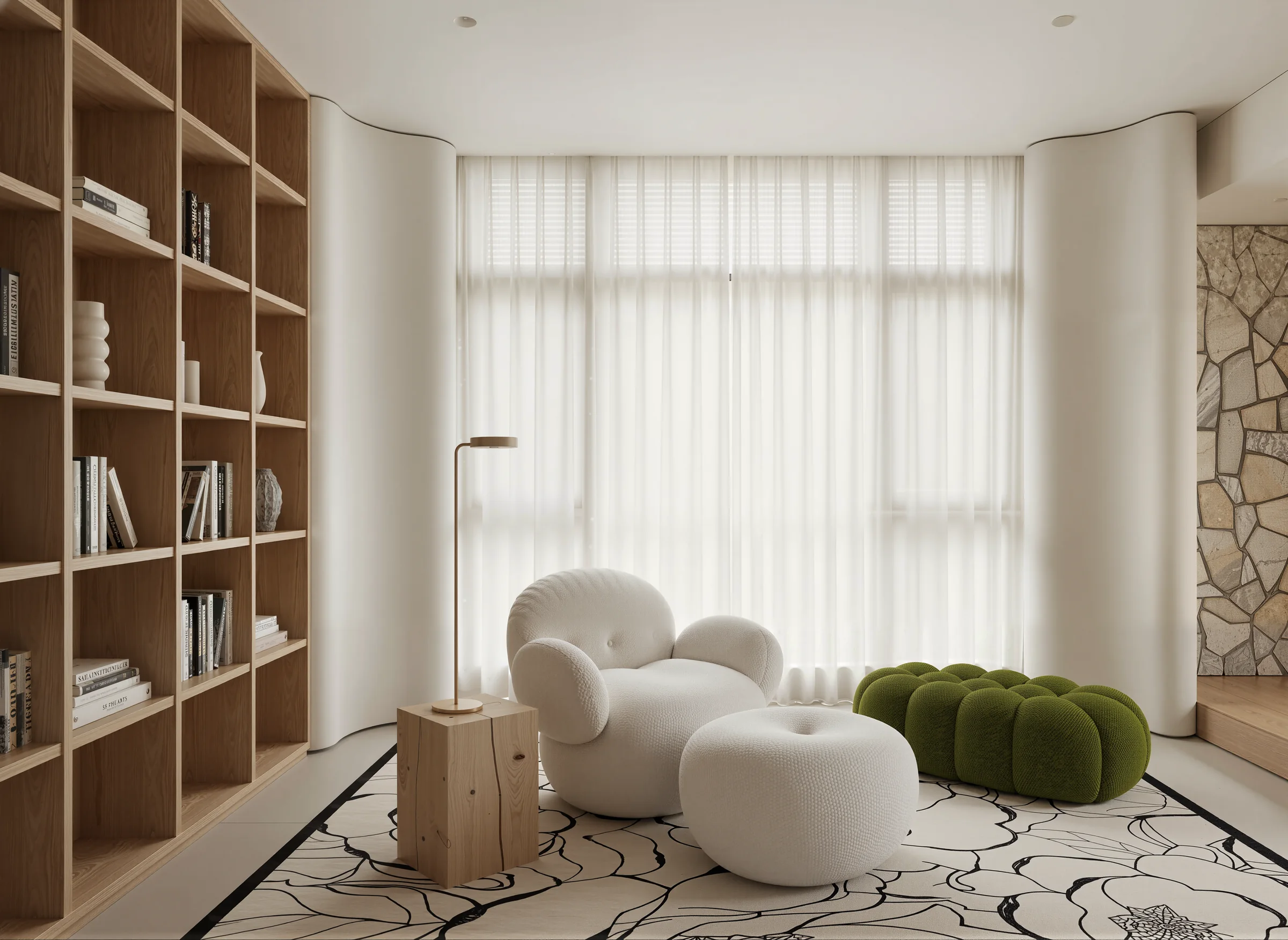
Softly lit interior with wood finishes

INDECO LOCAL

Create on your terms.
Keep data on your computer.

Use your GPU for everyday visualization, explore lighting options and work at your own pace — without a per-image credit charge.
On-device processingNo per-image creditsBatch 100 Scene
Lakeside architecture surrounded by mountains and forest

INDECO PRO

Ready to create.
From different computers.

Process interiors and exteriors in the cloud when you need flexibility or your computer lacks a suitable GPU — using the same INDECO workflow.
Flexible workingKeep projects movingClient deliverables
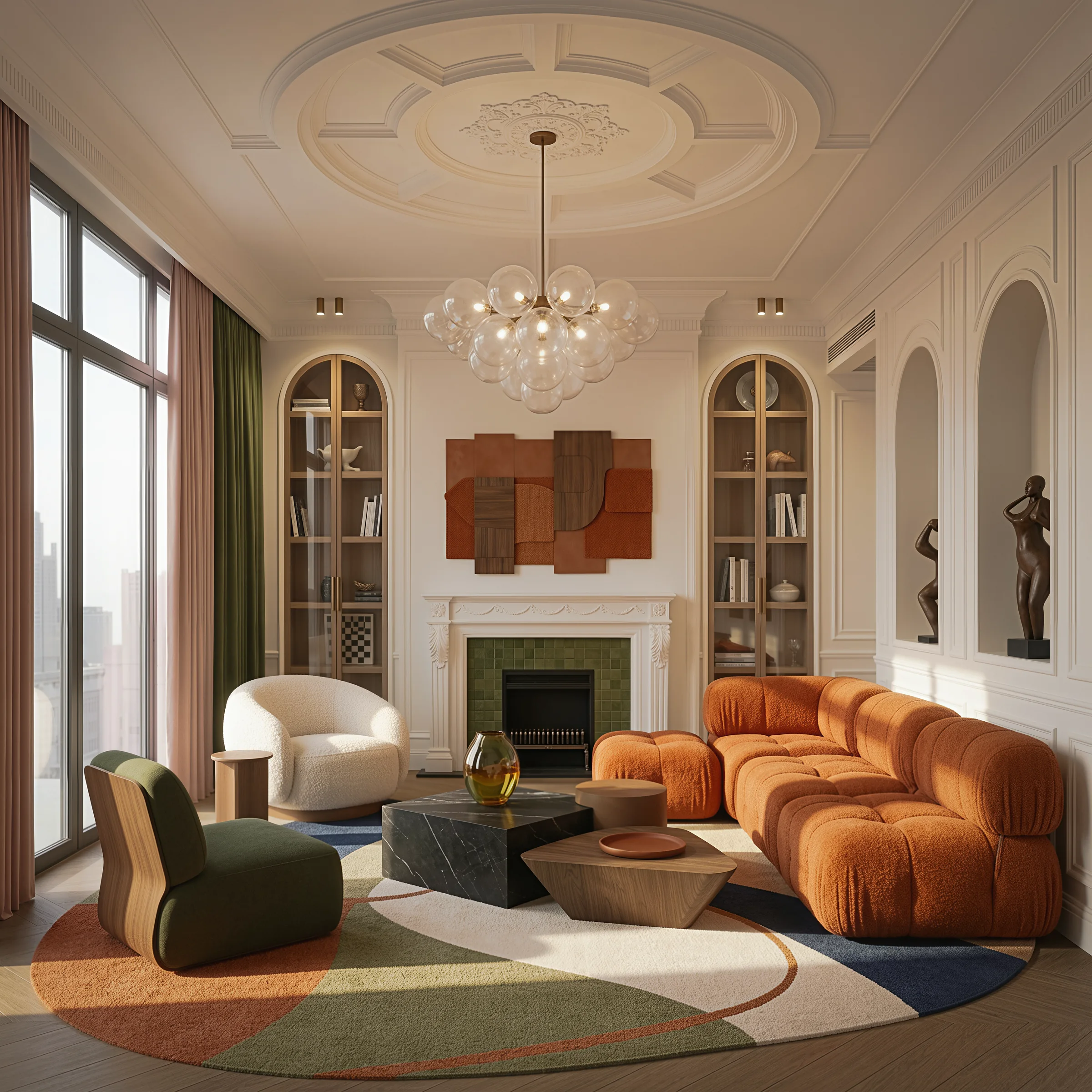
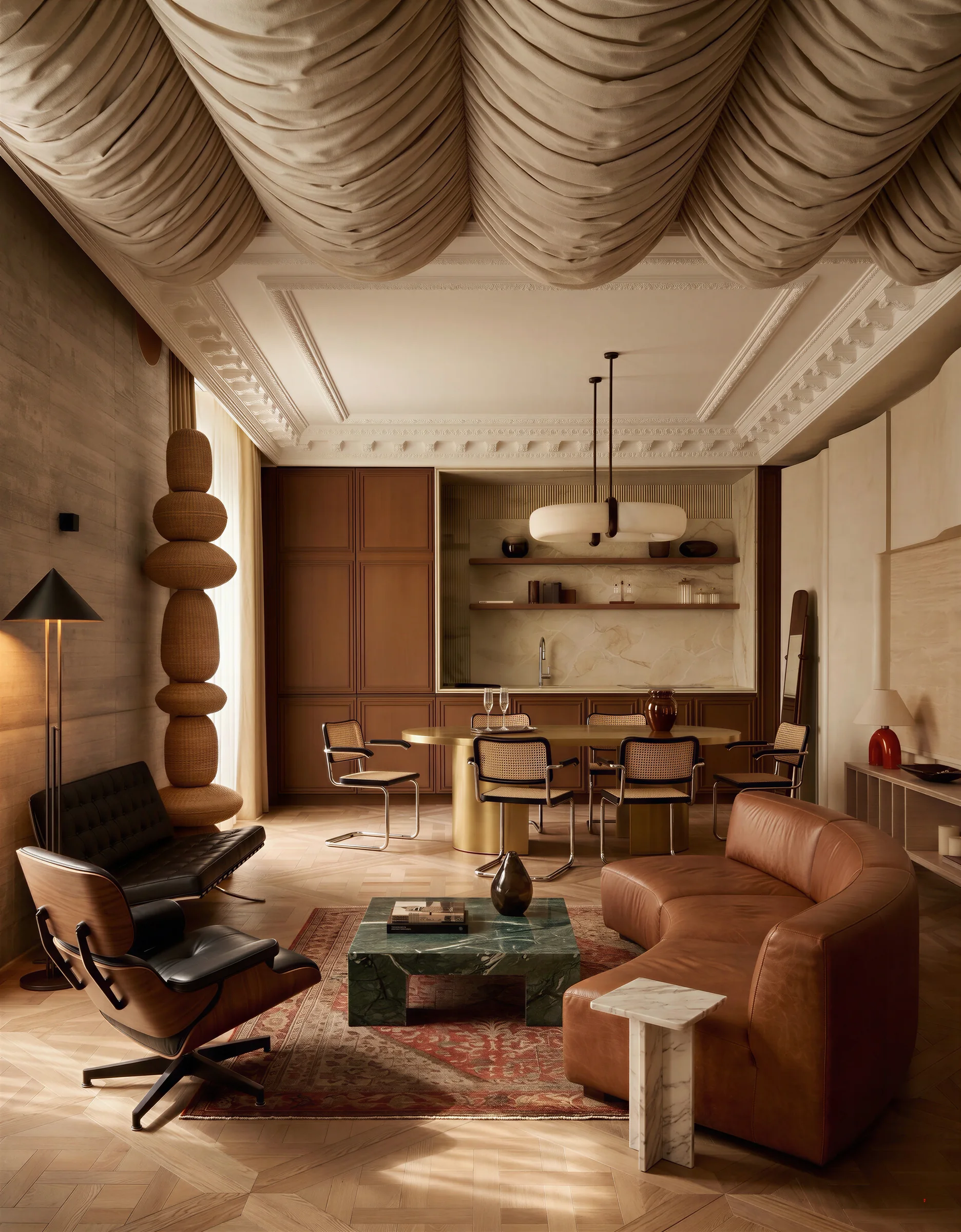
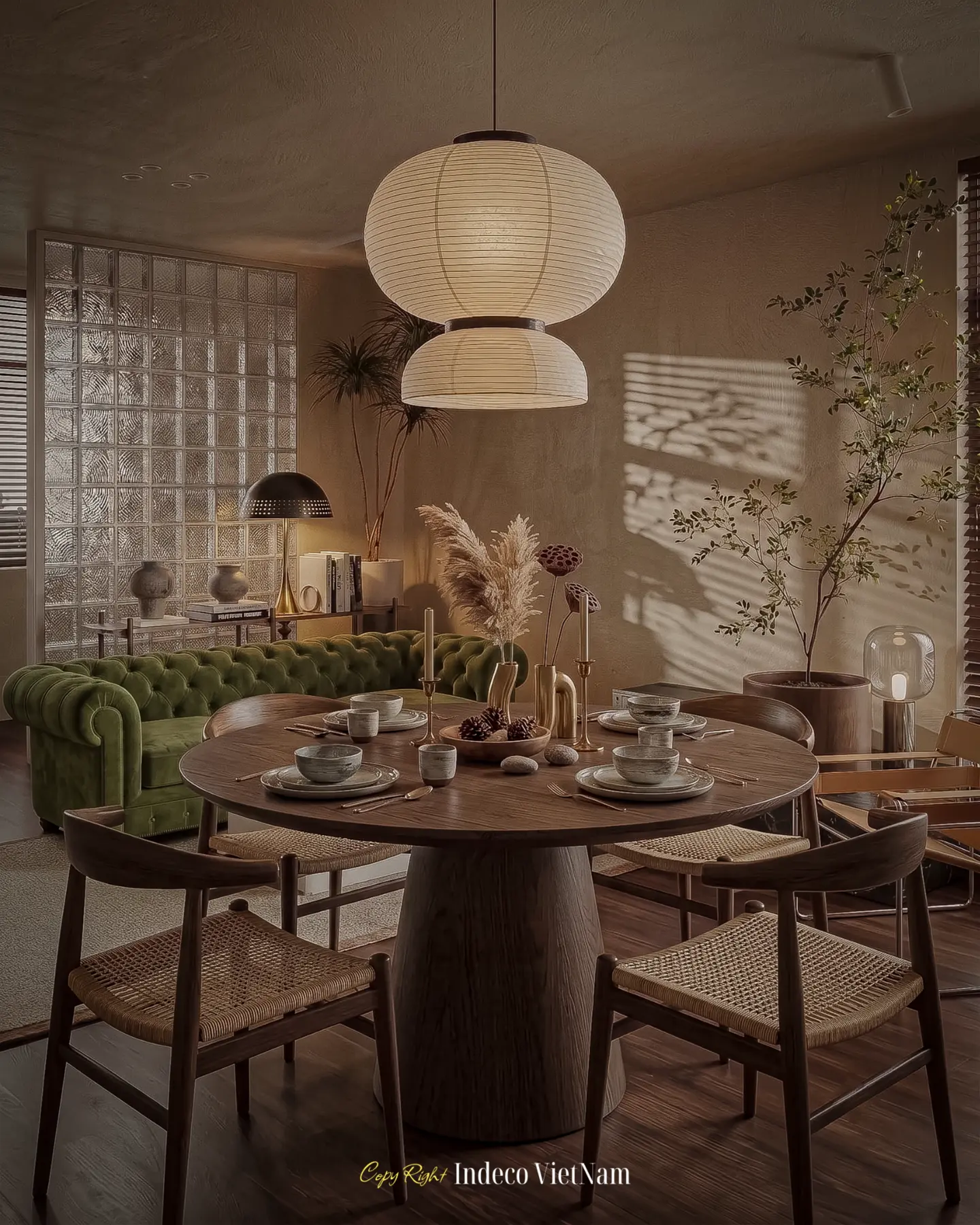
A detailed contemporary-classic interior

INDECO MAX · 2K

A refined finish.
For your key image.

For layered materials, complex lighting, scenes with people and presentation images that need detailed 2K finishing.
Complex scenesKey images2K
Modern cabins in a winter forest

ARCHITECTURAL VISUALIZATION

Change the season.
Preserve the architecture.

Keep the camera, proportions, massing and material intent while developing light, landscape, weather, people and vehicles.
Preserve perspectiveExplore the setting
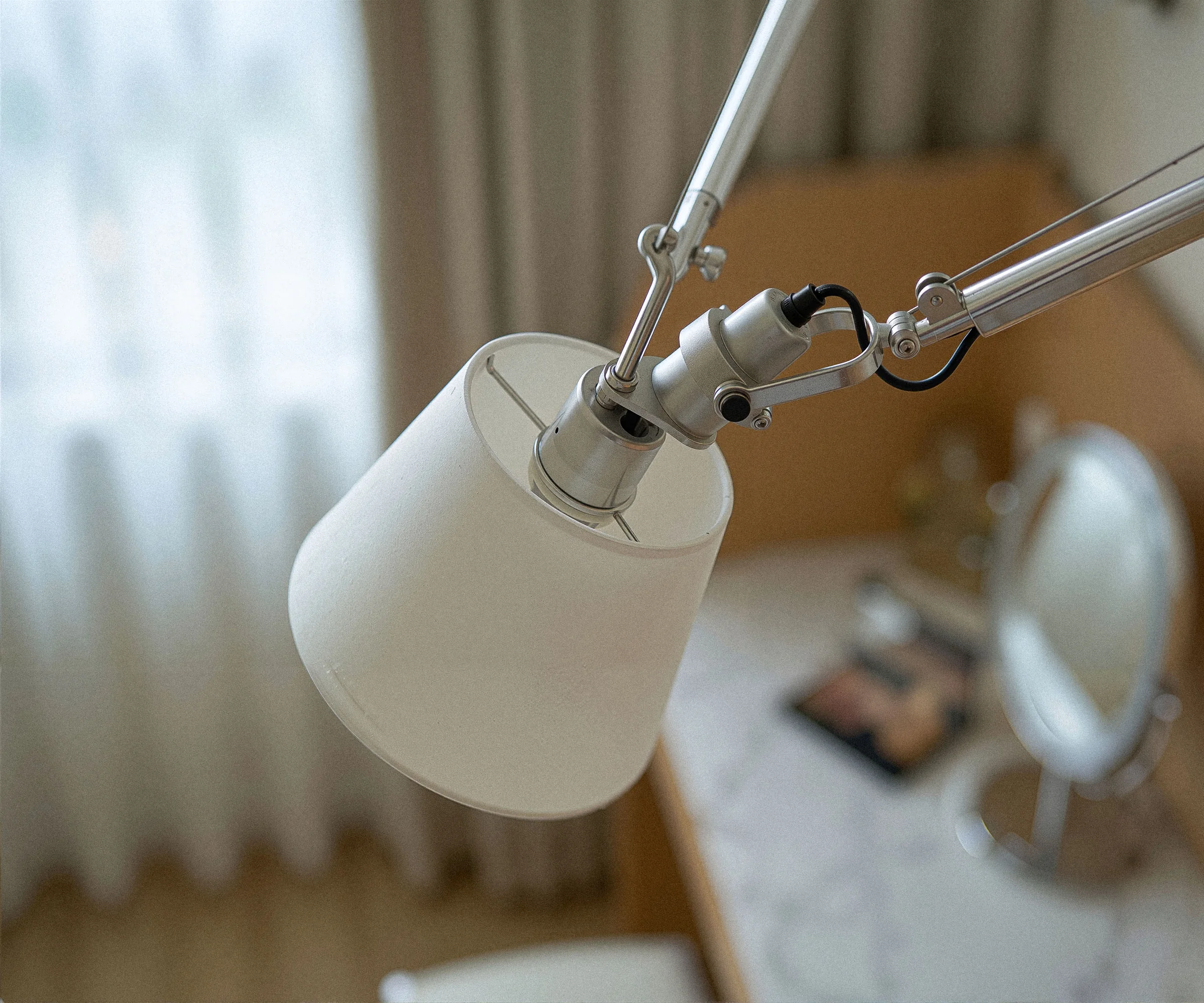
Close-up of interior lighting and materials

INTERIOR VISUALIZATION

Choose light and materials.
Without writing prompts.

Familiar design decisions — light sources, tones, HDRI, window views, materials and people — become clear, visual controls.
LightingAtmosphereMaterials
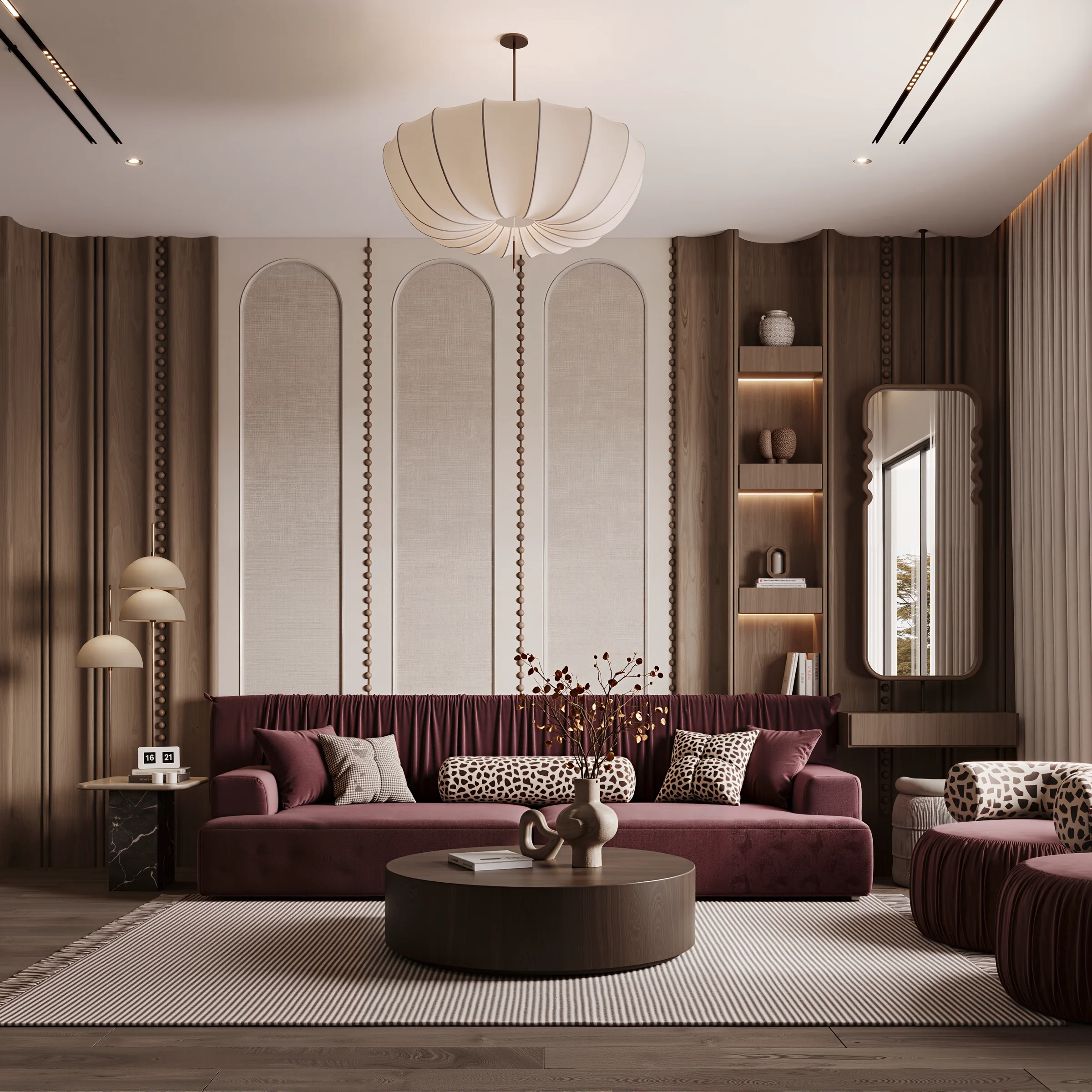
A colorful studio interior

PLUGIN & BATCH

One scene.
Or every camera view.

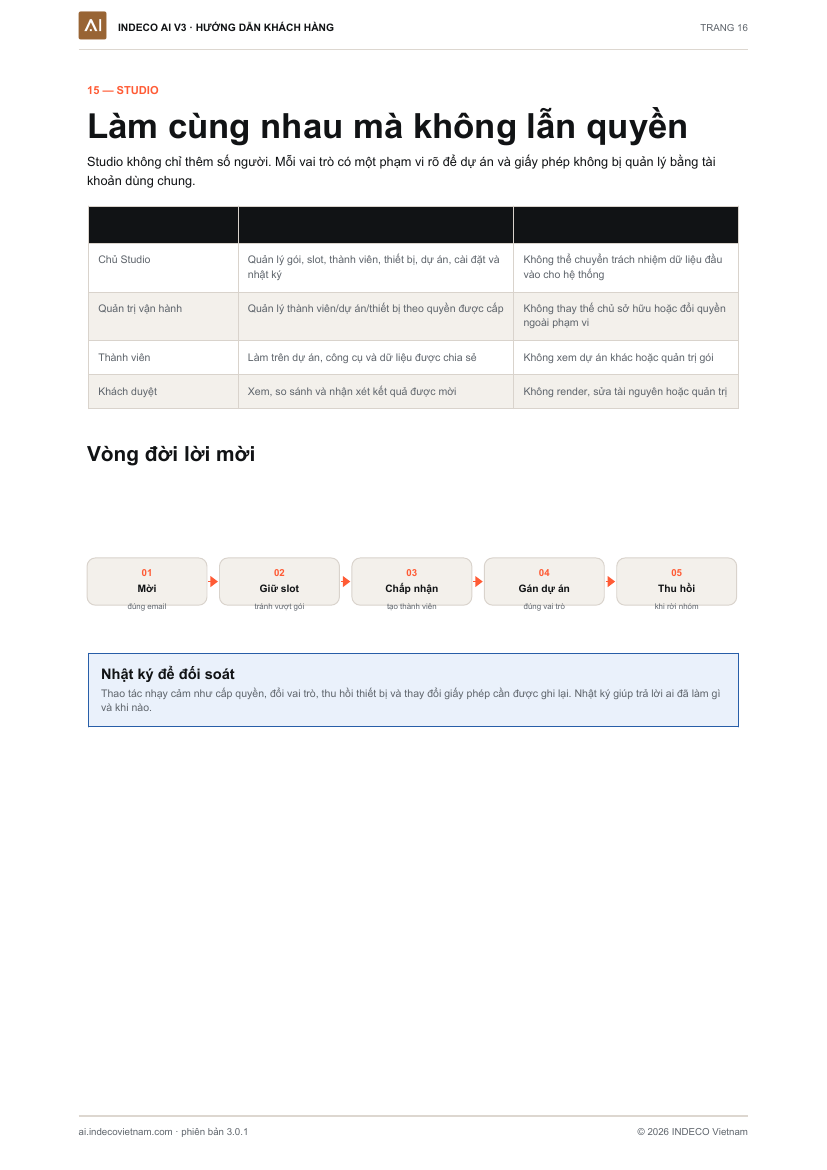
Select multiple scenes in SketchUp or 3ds Max, send a batch, track each image and collect the results in your project.
SketchUp3ds MaxBatch
An interior developed through a studio workflow

INDIVIDUAL · STUDIO · ENTERPRISE

One project.
The right people and permissions.

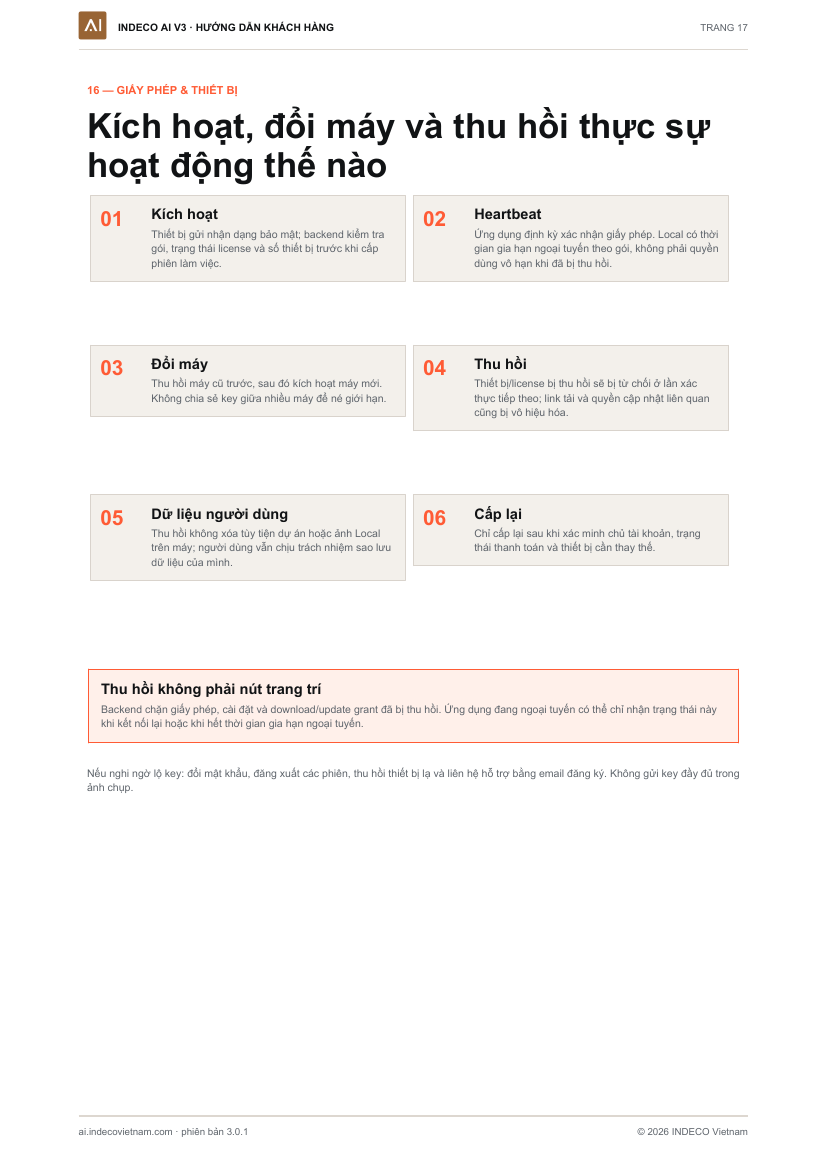
From independent designers to multi-role teams, members access the relevant projects, tools and versions for review.
ProjectsVersion reviewPermissions
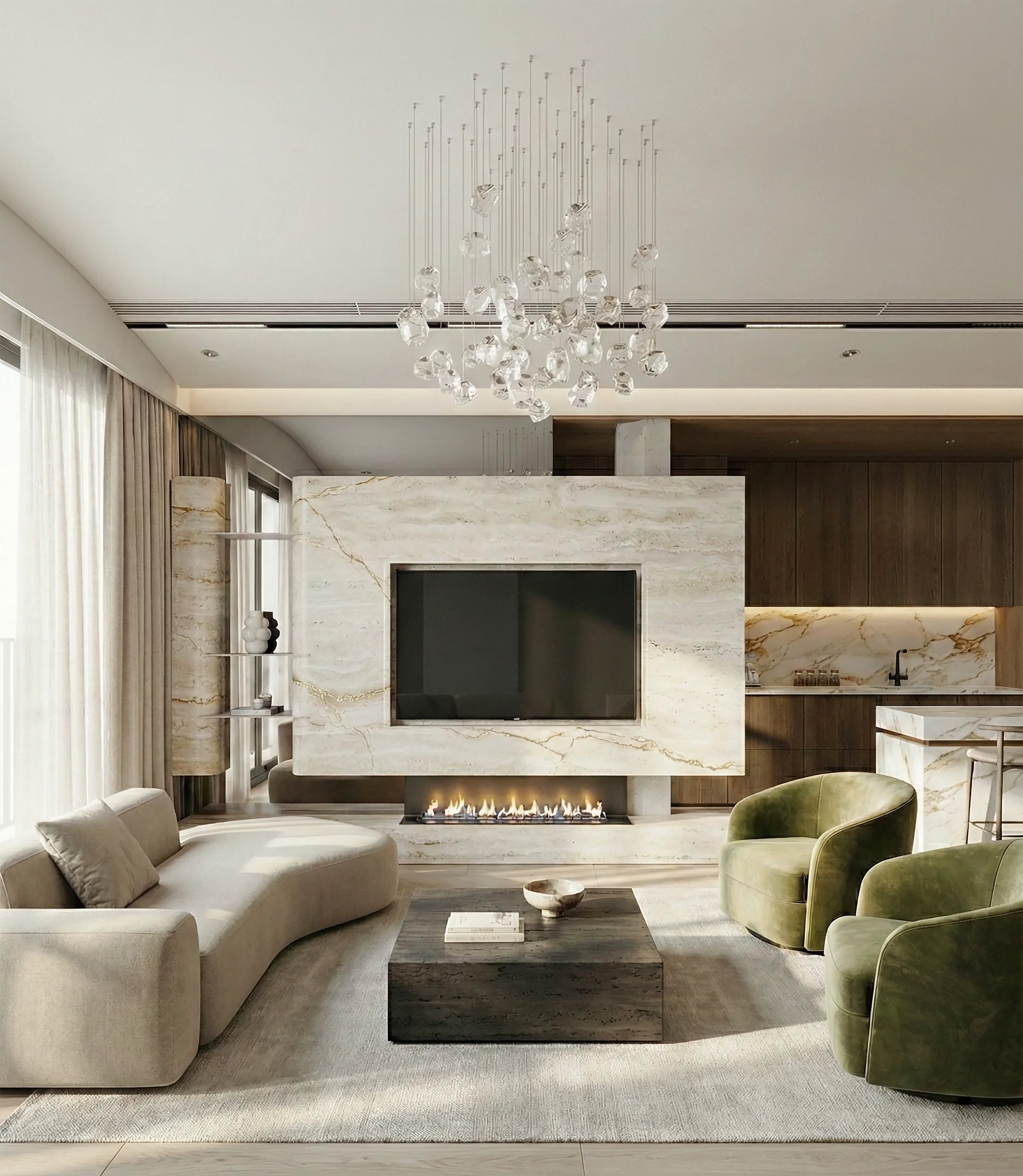
A refined interior with natural stone and soft lighting

WORK WITHIN ONE SYSTEM

From a design view.
To an approved image.

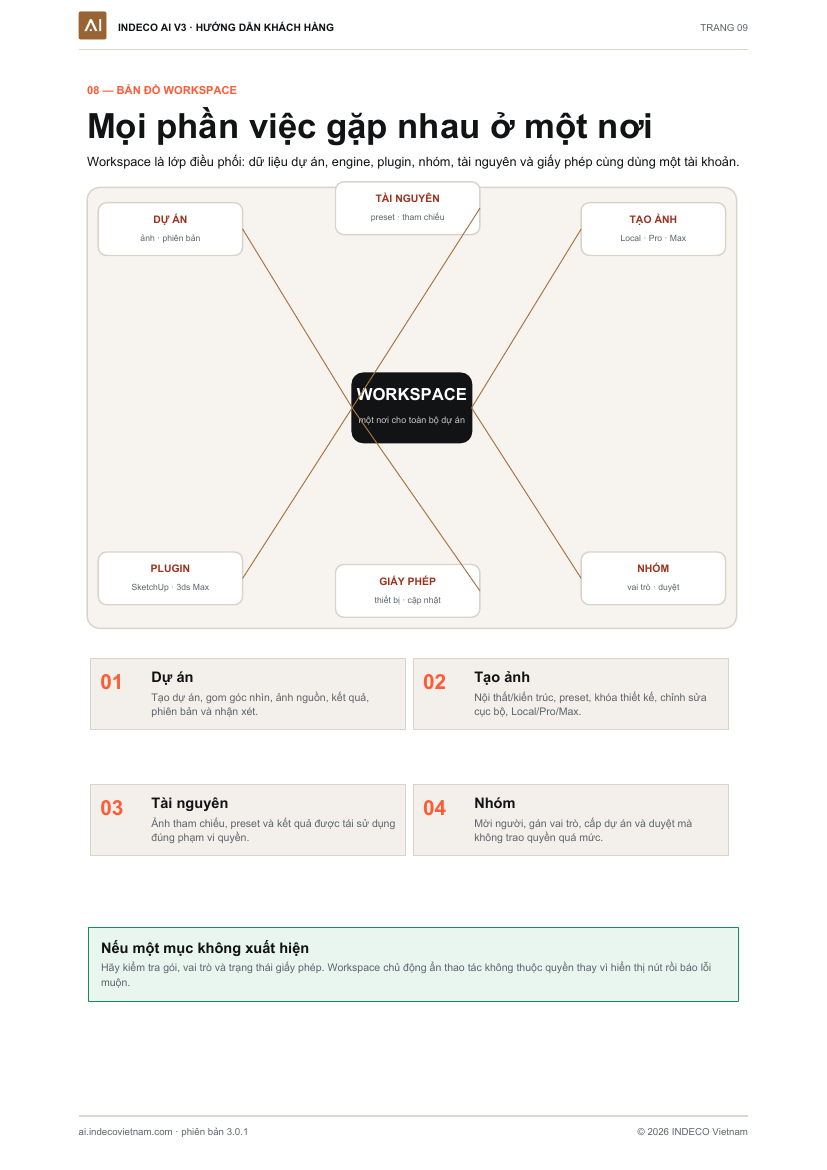
Workspace V3 connects source images, processing choices, camera batches, comparisons, version review and access management.
ConnectedControlledRoom to grow

00 — WHO WE ARE

Built by practitioners.
For the way practitioners work.

INDECO Vietnam brings together architecture, interior design and visualization. We built INDECO AI around real project challenges: incorrect perspectives, drifting materials, disconnected tools, unclear costs and growing teams.

01WHAT WE DO

Make AI part of everyday design work

Connect design cameras, preservation checks, image generation, multi-scene batches, review and management in one system.

02WHY WE BUILT V3

A beautiful image must still respect the design

V3 improves presentation while prioritizing the designer’s camera, geometry, materials and intent.

03WHO IT IS FOR

Individuals, studios and enterprises

Choose access, collaboration and processing options for your team size within a familiar workspace.

01connected workflow
02industry plugins
03ways to create
OPENget started with V3 ↗

AI RENDERING WORKFLOW FOR ARCHITECTS

Preserve design.
Enhance realism.

A connected system from SketchUp and 3ds Max to Local, Pro and Max — generate, check and review your design views in INDECO AI V3.

Local data is processed on your computer Pro/Max credits settle after the image file is saved successfully

For architects, interior designers and studios.

InteriorsArchitectureSketchUp3ds Max

00 — THE NEXT INDECO AI

V2→V3

INDECO AI V3 is here.
Replacing V2.

V3 brings visualization together: receive scenes from SketchUp and 3ds Max, create with Local/Pro/Max, process multiple views, compare versions and manage access. Each approach serves a different need within the same workflow.

Explore the three approaches ↓
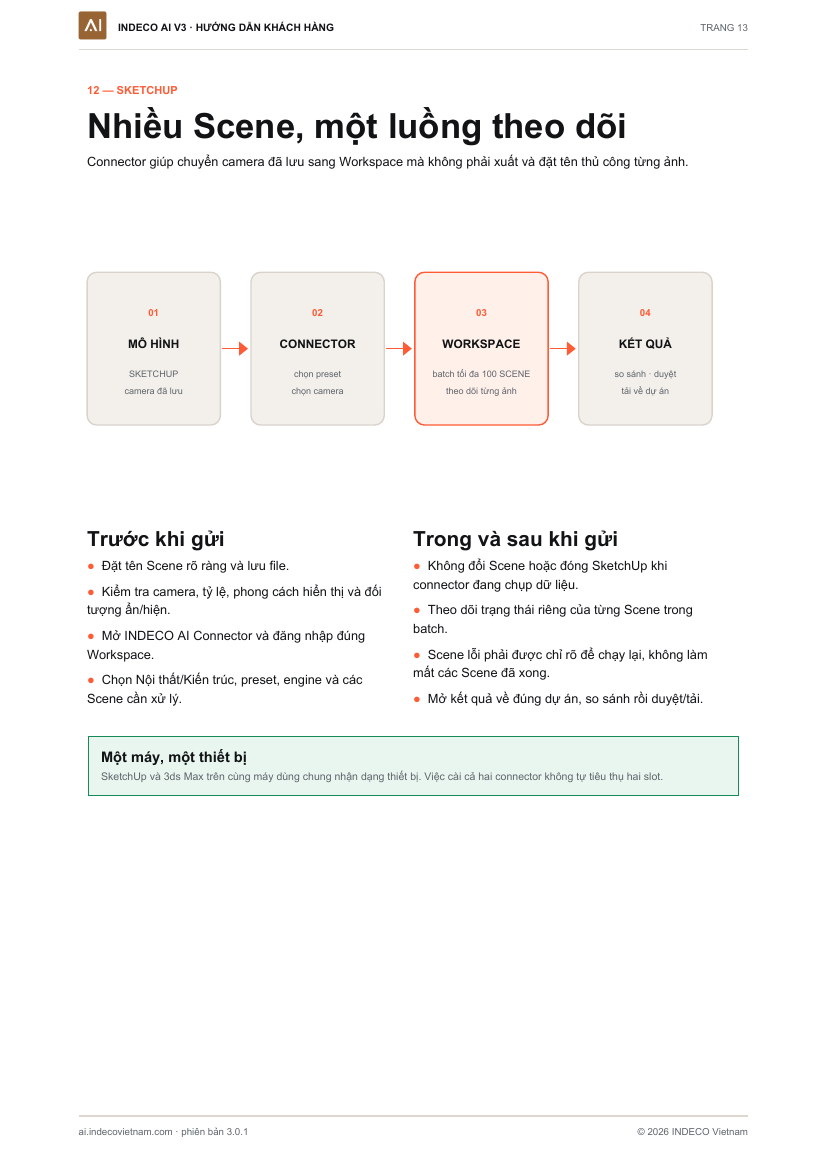
01
REPLACING V2

One connected Workspace

Upload images, choose processing, submit batches, review and manage your work directly in INDECO AI.

02
LOCAL WORKS ON YOUR COMPUTER

Create using your GPU

Render, test lighting, develop materials and process batches on your computer; primary data stays on the device.

03
REAL PROJECT WORK

Scenes, batches and plugins work together

Send multiple cameras from SketchUp and 3ds Max into a batch, track each image and return results to the right project.

04
CONTROLLED SPENDING

One image, one settlement, failure refunds

No extra variations are generated; failed jobs or images that cannot be saved receive a full credit refund.

01 — HOW IT WORKS
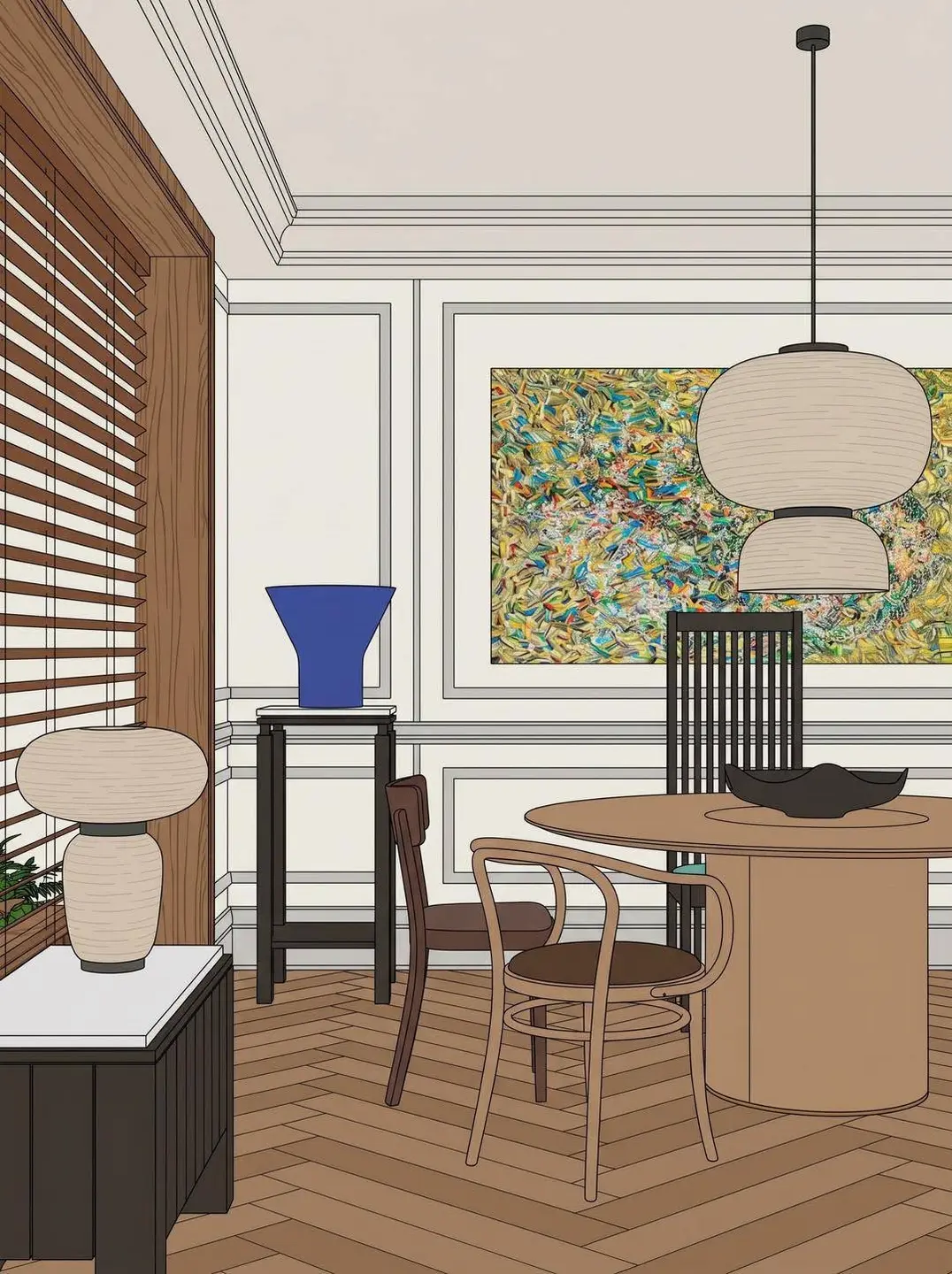
Fewer steps. More control.

No technical prompts to learn. Controls follow a familiar order: view, project type, lighting, materials, setting and output.
Input viewport imageINPUT01
INPUT

Bring in your view

An image, camera or multiple scenes from SketchUp and 3ds Max.

INDECO AI
CREATION MODELocal · Your GPUPro · Flexible processingMax · 2K finishingPRESERVATION
Camera and geometry protection
02
CONTROLS

Choose an approach

Local, Pro and Max share the same controls. Choose according to your computer, schedule and finishing requirements.
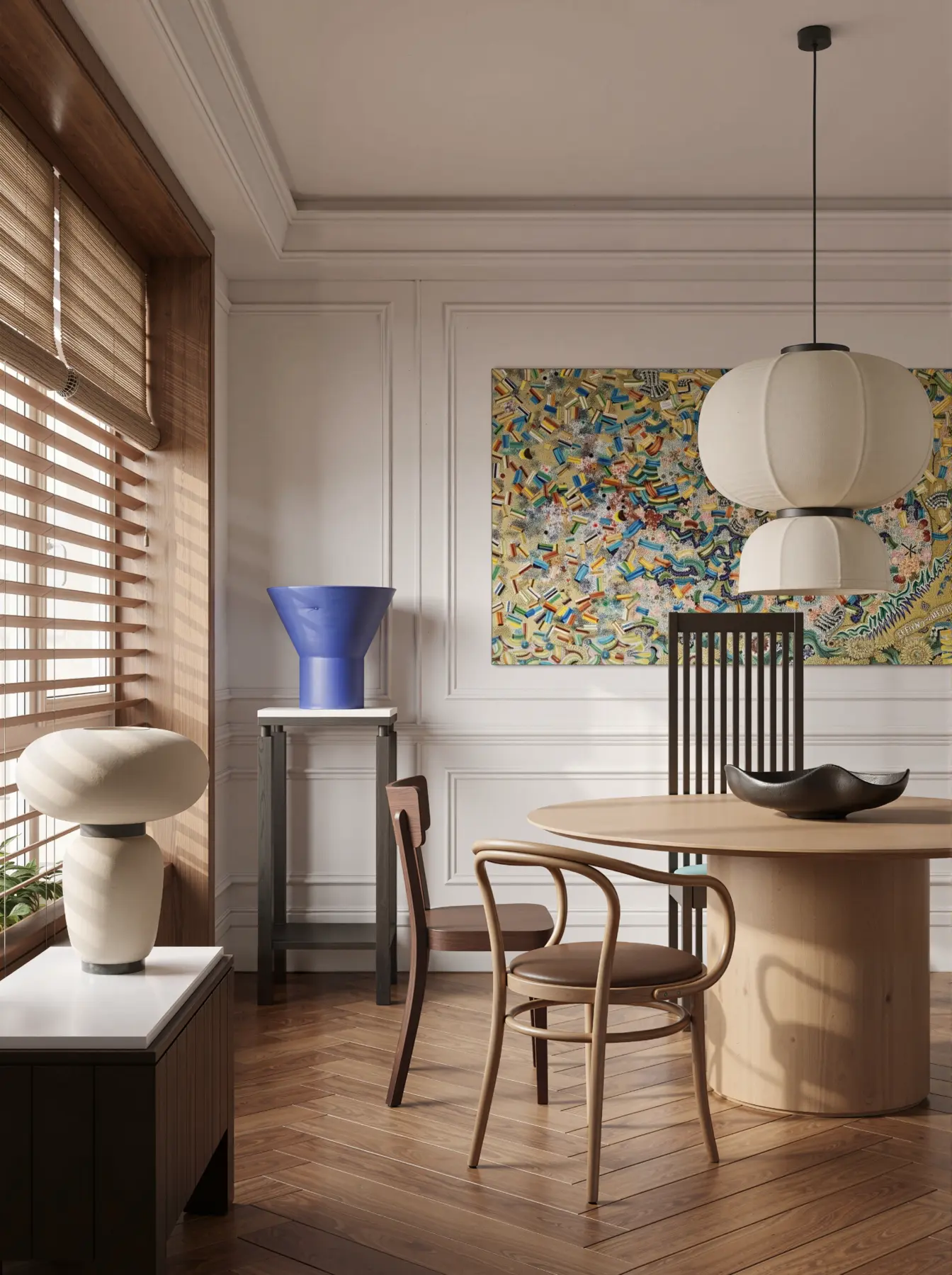
Rendered output imageOUTPUT03
RESULT

Receive one image

No duplicate submissions or automatic extra variations; failed jobs receive credit refunds.

02 — DESIGNED DIFFERENTLY

Improve the image.
Preserve the intent.

INDECO V3 does not design in place of the architect. It prioritizes camera, composition and structure while improving presentation.
A
DESIGN PRESERVATION

Lock camera, geometry and proportions

Reduce unwanted perspective and composition changes.

01
B
THREE WAYS TO CREATE

Local, Pro and Max in one project

Create on your computer, use the cloud for flexibility or refine in 2K — within the same workflow.

02
C
CONTROLLED BATCHES

Up to 100 scenes per batch

Local, Pro and Max support batches. Each scene has its own status and result so a failed image does not obscure the rest.

03
D
CREDIT ACCOUNTING

Reserve, settle and refund

No negative wallet balance; credits settle after the image is saved successfully.

04

03 — THREE WAYS TO CREATE

Different needs.
The right approach.

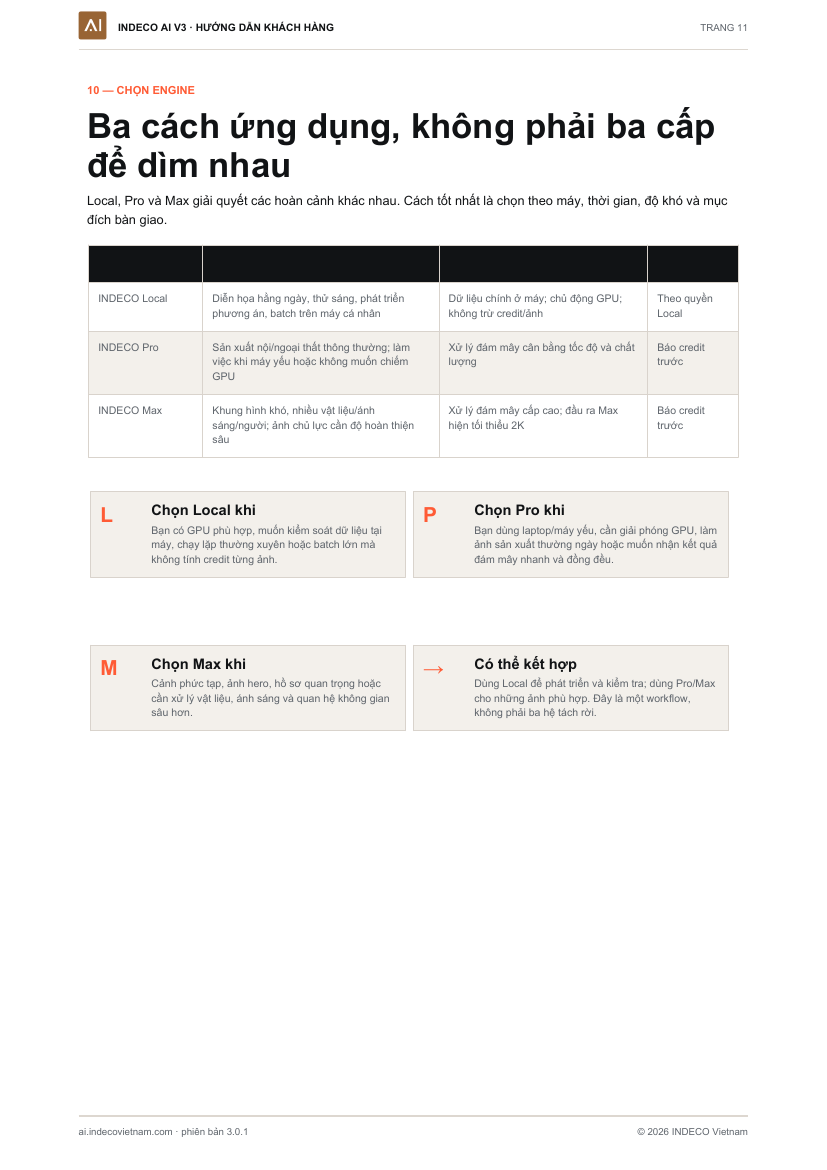
Local gives you control on your computer. Pro extends work into the cloud. Max adds detailed finishing for 2K images.
01YOUR GPU

INDECO Local

Your own visualization workspace for everyday production.

  • Images and primary data processed on your computer
  • No per-image credit charge
  • Render, explore lighting and materials, and make local edits
  • Up to 100 scenes per batch
A GOOD FIT FORCompatible NVIDIA GPU · privacy · regular production · control of your schedule
02FLEXIBLE CLOUD PROCESSING

INDECO Pro

Cloud processing that helps you continue working across different computers.

  • No dependency on your computer’s NVIDIA GPU or VRAM
  • Work from a laptop, office computer or while traveling
  • Choose lighting, surroundings, materials and people
  • Cost shown in advance; credits settle after a successful save
A GOOD FIT FORComputers without Local support · cloud processing · multi-scene batches
03DETAILED FINISHING · 2K

INDECO Max

2K finishing for key images and complex spatial relationships.

  • 2K output for layered detail
  • Complex materials, reflections and light sources
  • People and settings with challenging spatial relationships
  • Key visuals, communications and project presentations
A GOOD FIT FORKey images · layered materials · difficult lighting · people · 2K output
SHARED INDECO WORKFLOW FEATURES
Camera and proportion preservationVisual controlsBatch 100 SceneSketchUp & 3ds MaxBefore/after comparisonVersion managementDuplicate preventionCredit refunds for failuresStudio permissions

04 — TRANSPARENT PRICING

Choose how you work.

Local licenses by plan. Pro and Max use prepaid credits.
INDIVIDUAL

One person. One device.

Rendering and plugins for individuals, without Studio team-administration features.

Current prices are shown below
STUDIO · SELF-SERVICE FOR 5–50 SLOTS

More people. One connected system.

Choose a plan, pay, receive your license and invite your team online.

10% volume discount from 5 slots
ENTERPRISE · MORE THAN 50 SLOTSDiscuss your Enterprise deployment

INDECO reviews your users, devices, simultaneous processing needs and project requirements before preparing a quote.

Discuss Enterprise ↗
PRO & MAX · SHARED CREDITS

Control spending for each approach

The Pro or Max charge is shown before submission. Wallets cannot go negative; each job creates one image and settles after a successful save.

Buy credits in V3 ↗

06 — FEATURED PROJECTS

Projects using INDECO

Visit the original project posts for more images and design stories.

07 — LEARN THE V3 WORKFLOW

More than a tool.
A connected workflow.

From the current customer guide: accounts, Workspace, processing choices, plugins, teams and licenses.

PRESERVE DESIGN. ENHANCE REALISM.

Keep your design intent.
Elevate your deliverables.

Get started with INDECO AI V3 ↑
✓ Local processing on your computer✓ Pro & Max when needed✓ Plugins & multi-scene batches

AI rendering guides

SK_DB LUX3D: prepare lighting effects in SketchUp ↗

Local, Pro or Max? ↗

Install Local and create your first image ↗

One project. The right people and permissions. ↗
AI rendering for SketchUp: from viewport to presentation ↗

AI interior rendering: a materials and lighting checklist ↗

View full image